MCP Servers Worth Using as a Developer in 2025
How MCP servers let AI agents actually execute code, access data, and integrate with your tools.
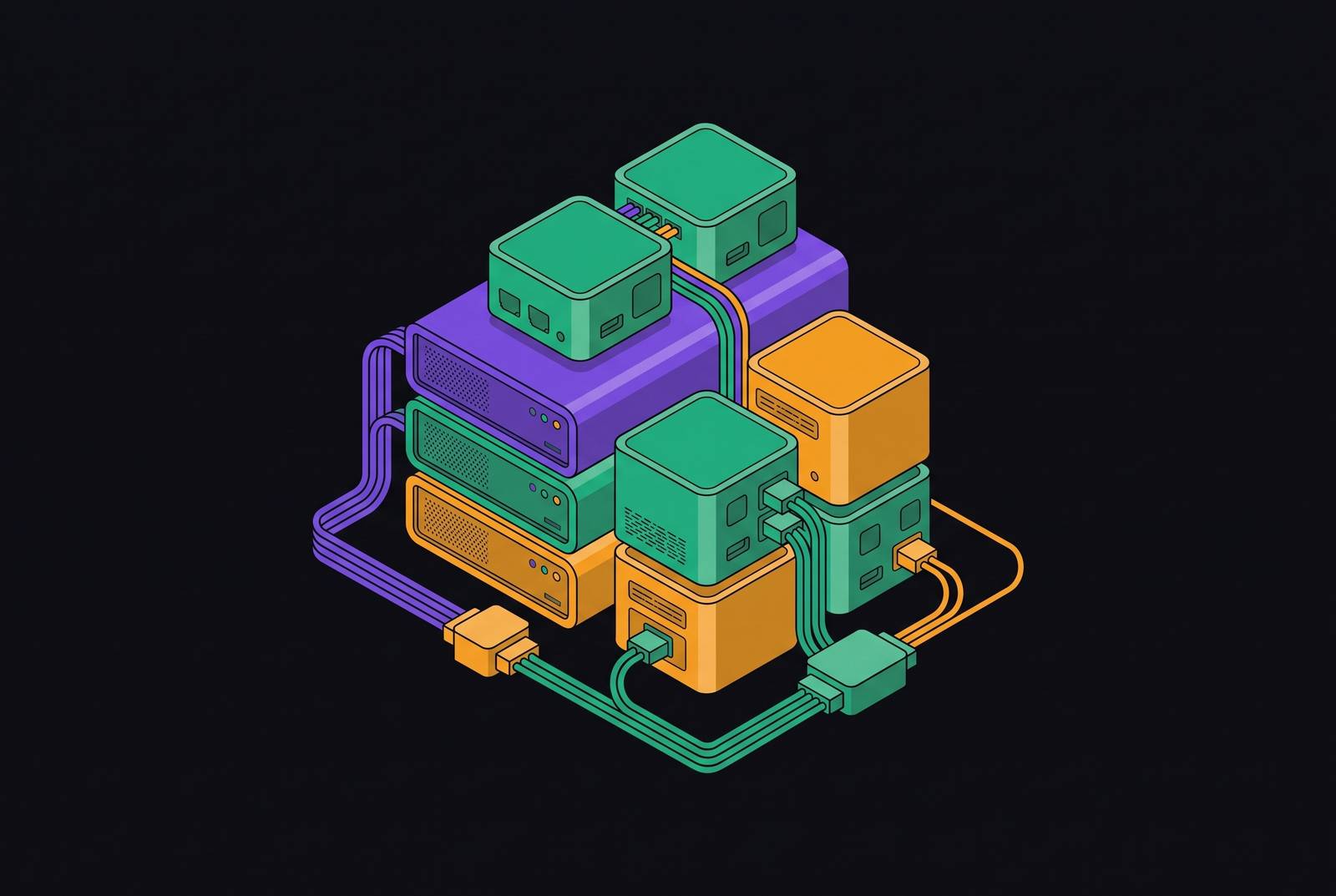
MCP, short for Model Context Protocol, is an open standard that lets an AI application talk to outside tools and data through one shared interface instead of a custom-built bridge for every system it touches. That gap matters because an AI assistant can describe a fix, draft a pull request in theory, or explain how a deployment should go, but it cannot actually check a Figma file, push a deploy, or open a browser tab on its own. MCP closes that distance. Under the hood it runs on JSON-RPC 2.0 and organizes everything into three primitives: Tools for taking action, Resources for pulling in data, and Prompts for reusable templates.
The protocol has already outgrown its origins as one company's idea. It now sits under the Agentic AI Foundation, part of the Linux Foundation, with Anthropic, Block, and OpenAI as co-founders, and AWS, Google, Microsoft, Cloudflare, and Bloomberg signed on as Platinum members. Since Anthropic released MCP in November 2024, the ecosystem has grown to over 17,000 publicly listed servers, with OpenAI and Google DeepMind adopting it in early 2025 before it was donated to the Linux Foundation's Agentic AI Foundation in December 2025. That's not a vendor feature list, that's infrastructure. Adoption backs it up: server downloads climbed fast between November 2024 and April 2025, and the official repository has crossed 66,000 stars. A survey from Zuplo on the state of MCP found that most users expect their usage to grow over the next year, and nearly half, 49%, point to developer productivity and time saved as the main return.
Local Versus Remote MCP Servers
Before comparing individual servers, it helps to understand the two ways they run, because both are legitimate and the choice shapes everything downstream. Local servers use stdio: they run as a subprocess on your own machine, launched directly by the AI client. No ports to open, no auth headers to manage, no CORS headaches. That makes stdio the right call for anything touching disk or local state. Remote servers run on a vendor's cloud endpoint over Streamable HTTP, authenticated through OAuth 2.1, and they're the right fit for anything backed by a hosted API, such as GitHub, a deployment platform, an issue tracker, or most SaaS tools.
The older HTTP+SSE transport is deprecated, which is worth knowing before you build anything new. The current stable spec only recognizes stdio and Streamable HTTP, so don't design around SSE going forward. An MCP host is typically an AI agent that interacts with an LLM and requires services from one or more MCP servers, and for each server the host creates a dedicated MCP client, with client and host usually running on the same machine while servers may be local or remote. And the ecosystem is visibly tilting toward remote. The same Zuplo survey found a majority of MCP builders now default to Streamable HTTP, with a smaller share still on stdio.
In practice, most setups that actually work don't pick one lane. They mix both: local for anything that touches disk, remote for anything with a hosted API behind it. Remote servers have mostly converged on OAuth 2.1, trading hand-rolled token flows for a browser-based sign-in, though many still accept a token as a fallback. Local stdio servers tend to skip OAuth entirely, authenticating instead through a CLI login or a plain connection string. So picking a server isn't just a functionality decision, it's a decision about your authentication surface, and knowing that going in saves a lot of head-scratching at configuration time.
Source control and code context: GitHub MCP Server and Git MCP Server
Version control is where this roundup has to start, since it's the one workflow every developer touches daily regardless of stack or specialty. GitHub's own MCP server, maintained officially by GitHub, connects an AI agent straight to repositories: commits, pull requests, issues, branches, releases, all of it. It's become one of the most widely used MCP servers out there, showing up across Claude Desktop, Cursor, and most other AI development tools. The capability list runs from repository search and issue management to pull requests, code scanning, and full GitHub workflow access.
It runs as a remote endpoint. A typical Claude Code install looks like claude mcp add -s user -t http github, and the first time it's used, OAuth kicks in through the browser, so credentials never sit exposed in a config file. By 2026, remote MCP servers with OAuth-secured hosted endpoints have become the default for tools like GitHub, Vercel, Linear, Notion, Supabase, Stripe, and Figma, letting developers skip local installs entirely. There's also a local Docker option for anyone who'd rather authenticate with a Personal Access Token instead. Either way, it's free to use, with OAuth 2.1 or PAT for authentication and Streamable HTTP or stdio for transport, depending on which path you take.
The Git MCP Server, Anthropic's reference implementation, plays a smaller but distinct role. It handles reading, searching, and manipulating repositories that live locally, making it the local-first counterpart to GitHub's remote-first design. It's the right pick when the repo in question is local and pulling in the full GitHub API is more than the job needs. As a rule of thumb: reach for GitHub MCP when collaboration, PRs, or remote repo state are involved, and Git MCP when the work is purely local and a GitHub connection would just be overhead.
File system and local codebase access: Filesystem MCP Server
Underneath source control is a more basic question: does the agent actually know what's on disk? Anthropic's Filesystem MCP Server, another reference implementation, answers that by giving an agent scoped, secure access to read, write, update, search, and index files. Access is limited to whatever directories get passed in at startup, and the server runs with regular user permissions, nothing elevated. Installing it is a one-line command, something like npx -y @modelcontextprotocol/server-filesystem /path/to/project, and it runs over stdio with no external authentication needed.
The common use cases are what you'd expect: generating code straight into a project, editing config files, keeping a multi-file refactor consistent across the codebase. The scoping discipline bears repeating. Handing an agent broad filesystem access when it only needs to touch one project folder is risk with no upside, and it's the single most important operational habit tied to this server.
Keeping agents accurate on fast-moving libraries: Context7
Every developer who's used an AI coding assistant on a library that's shipped a few major versions since the model's training cutoff has hit the same wall: the agent writes confident, fluent code that calls functions that don't exist anymore. That's not a reasoning failure but a data freshness problem, and no amount of clever prompting fixes it on its own.
Context7, built by Upstash, exists specifically to close that gap. Instead of relying on whatever the model happened to memorize during training, it pulls version-specific documentation and code examples straight from source and drops them into the model's context on request. It indexes real documentation for libraries that move fast and break things regularly, Next.js, Supabase, and Cloudflare Workers among them. It's available both as a local npx package and as a remote endpoint, with a free tier and an optional API key for anyone who needs higher rate limits. Transport runs over stdio or Streamable HTTP, and authentication is either OAuth or a free API key at the entry tier.
Training cutoffs aren't a bug that gets patched; they're a permanent feature of how these models work. Any library with a fast release cadence is going to produce hallucinated code without a live documentation source feeding the agent current information.
Browser automation and end-to-end testing: Playwright MCP Server
Giving an agent a browser is one of the more powerful moves in this whole stack, and also one of the more expensive ones if it's set up carelessly. The Playwright MCP Server, maintained by Microsoft as an official first-party Playwright project, gives agents real browser automation. It's suited to end-to-end test generation, scraping UIs that sit behind authentication, and verifying that a deploy actually did what it was supposed to.
The design choice that makes it usable at scale is that it works off Playwright's accessibility tree rather than screenshots. That keeps it lightweight and avoids the need for a vision model, so an agent can drive a real browser without burning through tokens on image data. That distinction affects token cost: leaving the setting on the default accessibility-tree mode makes most of that cost disappear. Left on the default accessibility-tree mode, most of that cost disappears. Screenshots should be a fallback for the rare case where the tree genuinely isn't enough. A real performance ceiling to account for is that each action takes approximately 500ms, and screenshot data is large enough that a 30-step browser flow can consume approximately 20,000 tokens just on screenshot data.
Database access: Supabase MCP Server and MongoDB MCP Server
Of all the misconfigurations in this roundup, the database layer carries the highest stakes, and the read-only flag is the setting to get right up front. Get this wrong and an agent can write to production data it was only meant to read.
It runs at mcp.supabase.com/mcp with OAuth login. Two URL parameters do the heavy lifting: project_ref scopes the whole connection to a single project, and read_only=true forces every query through as a read-only Postgres user. Transport is Streamable HTTP, authentication is OAuth, and there's a free tier to start.
MongoDB's official server covers similar ground for document-oriented stacks, supporting natural language queries, Atlas management, and schema operations. It installs via npx or Docker, and authenticates either through a connection string or an Atlas service account. Transport defaults to stdio, with an HTTP option available, and a free tier is on offer here too. Which to use mostly comes down to what's already running: Supabase MCP if the stack is already on the Supabase platform and zero setup matters, MongoDB MCP if the data is document-oriented or already on Atlas. Whichever one gets used, treating read-only as optional in a production context turns a convenience into a liability. The Supabase MCP Server is vendor-maintained, official Supabase.
Design-to-code and frontend workflows: Figma MCP Server and Stripe MCP Server
Frontend work involves constant context-switching between a design file, a codebase, and a payment integration that has to behave exactly right. What makes it genuinely useful isn't just pulling in an image of a screen, it's bringing structured design context, component names, layout rules, constraints, straight into the agent's working context when it's generating code from a Figma file. It runs remotely over Streamable HTTP with OAuth handling authentication. Together these two servers cover the front-of-stack surface that frontend developers interact with daily outside their IDE (design files and payment logic).
Stripe's official server rounds out the frontend surface, letting an agent interact with the Stripe API and its knowledge base directly. That's handy for building payment flows, testing webhooks, or running dashboard operations without leaving the coding environment. The Figma MCP Server is vendor-maintained, official Figma. It gives AI models access to Figma design files for design analysis and code generation.
Observability and incident response: Sentry MCP Server
Once an agent starts touching monitoring and debugging tools, the conversation shifts from convenience to responsibility, because this is where workflows start brushing up against production systems.
Its real value appears when it's used in combination. A Sentry, GitHub, and Kubernetes/GKE MCP stack is a practitioner-recommended combination for SRE and incident response workflows. The logic is straightforward: Sentry surfaces the error, GitHub supplies the code context around it, and Kubernetes shows the deployment state at the time it happened. Together, that lets an agent trace a path from symptom to fix without a person manually flipping between three separate consoles. That same combination is why this stack deserves tight permission scoping. Observability access paired with deployment access is a meaningful amount of trust to hand an agent, and it should be treated that way, not waved through because the workflow is convenient. The Sentry MCP Server is vendor-maintained, official Sentry. Sentry publishes an official remote server, an OSS repo, and an npm package, making it well-supported and essential for frontend regression triage.
Infrastructure and cloud management: Cloudflare, Kubernetes, and AWS MCP Servers
Infrastructure is where MCP's reach extends furthest past the individual developer's laptop and into the systems a whole team depends on. It also includes a "Code Mode" for full API access via the Cloudflare API, executed in Workers. Cloudflare's official docs describe this Code Mode as providing access to the entire Cloudflare API, over 2,500 endpoints across DNS, Workers, R2, Zero Trust, and every other product, through just two tools, search() and execute(), with code executed in sandboxed Workers. It connects either through remote endpoints or mcp-remote, authenticating via OAuth or an API token.
This is the category where the gap between a frontend developer's daily MCP stack and a platform engineer's looks widest. Someone running infrastructure needs servers that can see across DNS records, deployment state, and account permissions all at once, and the cost of a mistake scales accordingly. That's the throughline across this entire roundup: the servers worth using aren't just the ones with the most features, they're the ones where the authentication model and the permission scope match how much damage a mistake could actually do. The Cloudflare MCP Server is vendor-maintained, official Cloudflare.